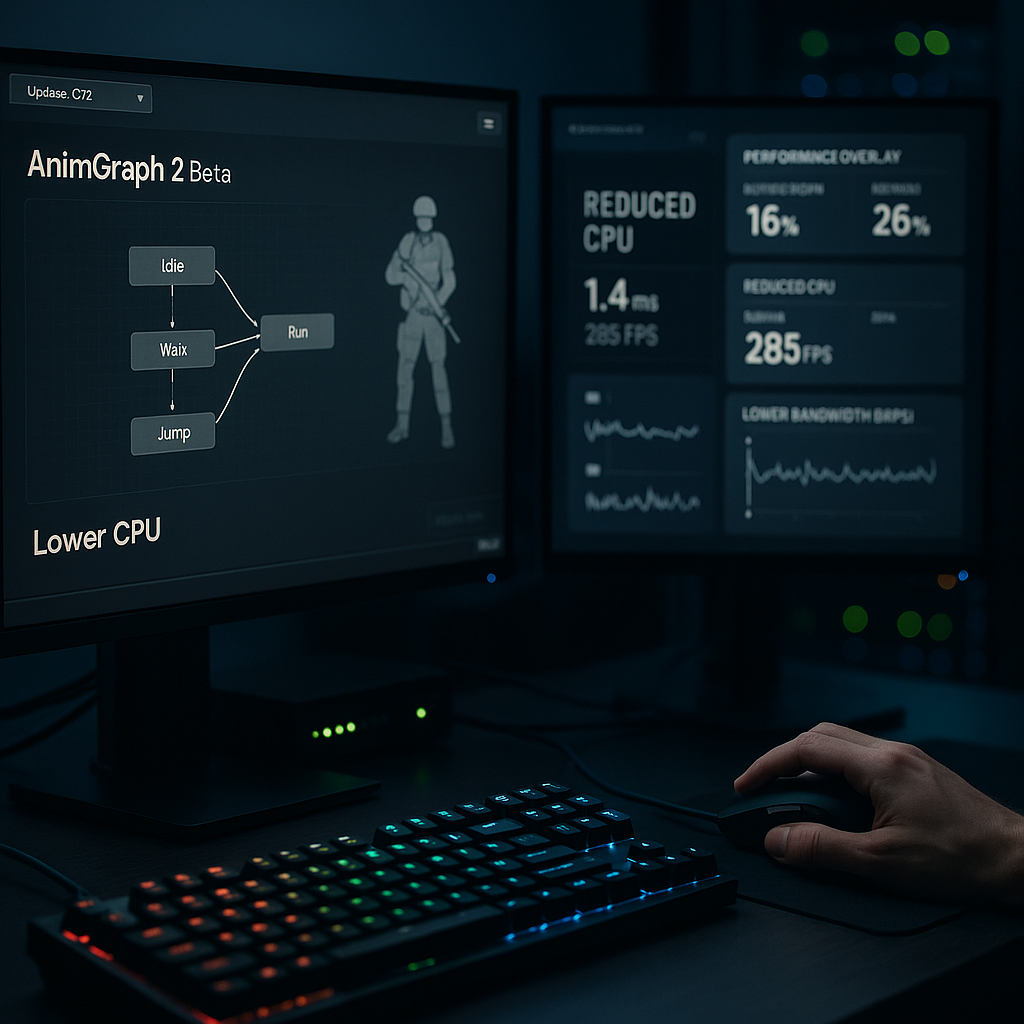
A beta Animgraph 2 chegou para reduzir custos de CPU e rede nas animações
Introduction: The arrival of a beta Animgraph 2 is framed as an effort to reduce CPU and network costs associated with in-game animations. This article explains the general principles behind animation systems, why they consume processing and bandwidth, and what practical changes players, server operators, and content creators can consider. The tone is evergreen and practical, avoiding speculative numbers and focusing on useful guidance.
Why animations use CPU and network resources
Animations in modern games involve multiple stages that can be resource intensive. On the CPU side, tasks include evaluating animation graphs, blending between animation clips, running inverse kinematics and procedural adjustments, and updating bone transforms for each character or object. Each of these steps requires calculations that are repeated every frame, and when many entities are animated simultaneously the cumulative load becomes noticeable.
Network costs arise when animation state must be synchronized between server and clients. Sending full pose data for many entities would be inefficient, so systems typically send compacted state updates, deltas, or high-level commands. Still, the choice of what to replicate and how often to transmit it affects bandwidth. An animation system that reduces the amount or frequency of data to transmit can therefore lower network usage without necessarily changing visual fidelity.
What a more efficient animation graph can change in practice
An updated animation graph design aims to streamline how animation states are evaluated and how changes are communicated over the network. Efficiency gains can come from reducing redundant calculations, simplifying blending logic where possible, and using cached or precomputed data to avoid repeated work. On the network side, smarter sampling and delta encoding can reduce the volume of updates required to keep animations in sync.
For players, these kinds of improvements can translate into more stable frame rates and fewer hitches in animation-heavy scenes. For server operators, reduced per-entity CPU work and lower bandwidth demand can help when many players and AI are present. For content creators, a more efficient system may change how assets are authored, encouraging approaches that balance visual richness with computational simplicity.
Practical guidance for different roles
Players should treat any engine-level animation improvements as an opportunity to reassess their performance settings. Testing in controlled scenarios allows players to observe whether animation-related CPU load has decreased and whether overall responsiveness is better. Keeping graphics drivers and game clients up to date ensures compatibility with engine improvements, but no specific configuration changes are required here as a rule.
Server operators can monitor resource usage before and after adopting a new animation system. Observing CPU load, tick processing time, and outgoing bandwidth in representative match conditions will indicate whether the change reduces operational strain. When deploying updates, it is useful to stage them and compare metrics in similar conditions rather than rely on anecdotal impressions.
For modders, map makers, and skin designers, a shift to a more efficient animation graph suggests several practical steps. Simplify rigs where possible, avoid unnecessarily high bone counts for entities that do not require them, and prefer animation blends that can be evaluated cheaply. Where procedural tweaks are used, consider whether some effects can be baked into keyframes or simplified without degrading the player experience. Testing assets in a variety of in-game situations helps reveal which changes have real impact.
Considerations and limitations
Efficiency improvements in animation systems are valuable, but they do not eliminate the need for careful optimization. Complex scenes with many animated objects, particle systems, and other effects will still require attention to level design and asset curation. Network optimizations reduce bandwidth for animation state, but latency and packet loss remain separate concerns for online play.
Compatibility is another practical consideration. New animation approaches may require adjustments in tools and pipelines. Creators who maintain legacy assets should test them thoroughly to ensure expected behavior and visual fidelity under the updated system.
Conclusion
The concept of a beta Animgraph 2 focused on reducing CPU and network costs is relevant to several groups within the CS2 ecosystem. By understanding the basic mechanics of animation evaluation and replication, players can better assess performance differences, server operators can plan resource management, and creators can adapt their workflows to produce assets that align with a more efficient pipeline. Practical testing and iterative refinement remain the most reliable way to realize benefits from any engine-level animation improvement.